

CAD/BIM Tips & Tricks
MicroStation AI Is Here. Should CAD Managers Trust It?
22 October 2026
Imagine telling MicroStation® what you want instead of remembering which dialog, key-in or help page contains the answer.
For CAD managers who have spent years translating normal human requests into software commands, that’s quite a reversal.
MicroStation 2026 is moving further in that direction. Bentley® has introduced technology previews of Bentley Copilot and Python Assistant, two AI-driven tools intended to make the software easier to learn, automate and use.
The interesting part isn’t that MicroStation now has AI. Nearly everything seems to have AI attached to it these days, including a few things that were getting along perfectly well without it. What matters, however, is what happens when AI starts touching real CAD work.
What matters, however, is what happens when AI starts touching real CAD work.
You Can Actually Ask It
Bentley Copilot allows users to ask questions in plain language from inside MicroStation. A designer moving over from AutoCAD® might ask how an XREF concept translates into MicroStation. Someone who has forgotten a workflow can ask for guidance instead of beginning the traditional archaeological dig through menus, documentation and memories of what Bob showed them three years ago.
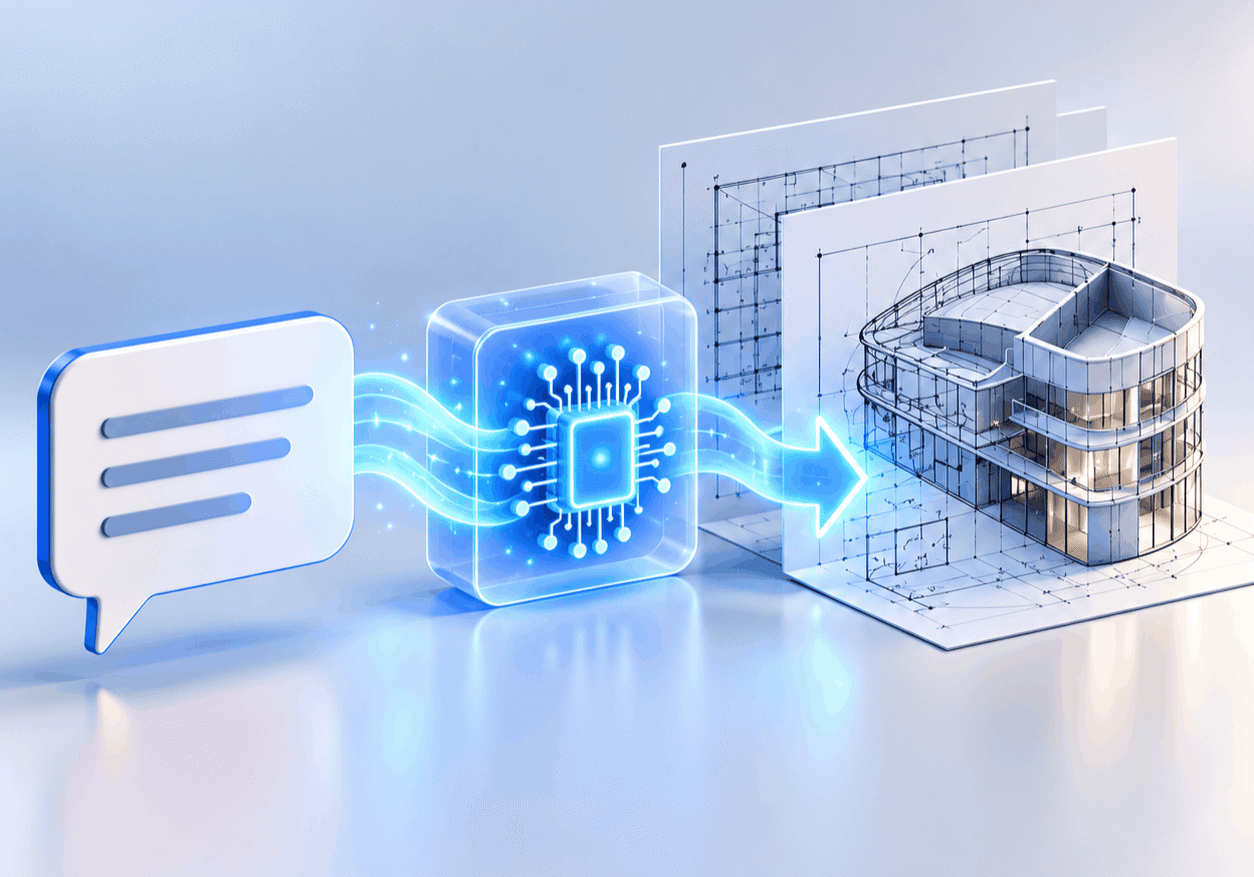
What if useful CAD automation started with simply describing what you need?
Python Assistant goes a step further.
It can help users generate, explain, edit and reuse Python scripts for tasks such as batch file updates, report generation and repetitive model edits. That could put useful automation within reach of CAD professionals who know exactly what they want MicroStation to do but have no desire to become Python programmers.
For a busy CAD manager, that could save a fair amount of repetitive work.
But Would You Let It Loose on 500 MicroStation Files?
This is also where a CAD manager needs to be a little cautious.
Generative AI can produce answers that sound completely convincing and still be wrong. Engineering work doesn’t have the wiggle room for “nearly right.”
If an AI assistant gives you a poor answer, you may lose a few minutes. If an AI-generated script makes the wrong change across hundreds of project files, you could lose considerably more than that.
The answer isn’t to avoid the technology. It’s to use it the way an engineer would use any new tool. Review the script. Understand what it’s doing. Test it on controlled files and check the results before it gets anywhere near a live project folder. And preferably not for the first time at 4:45 PM on submission day.
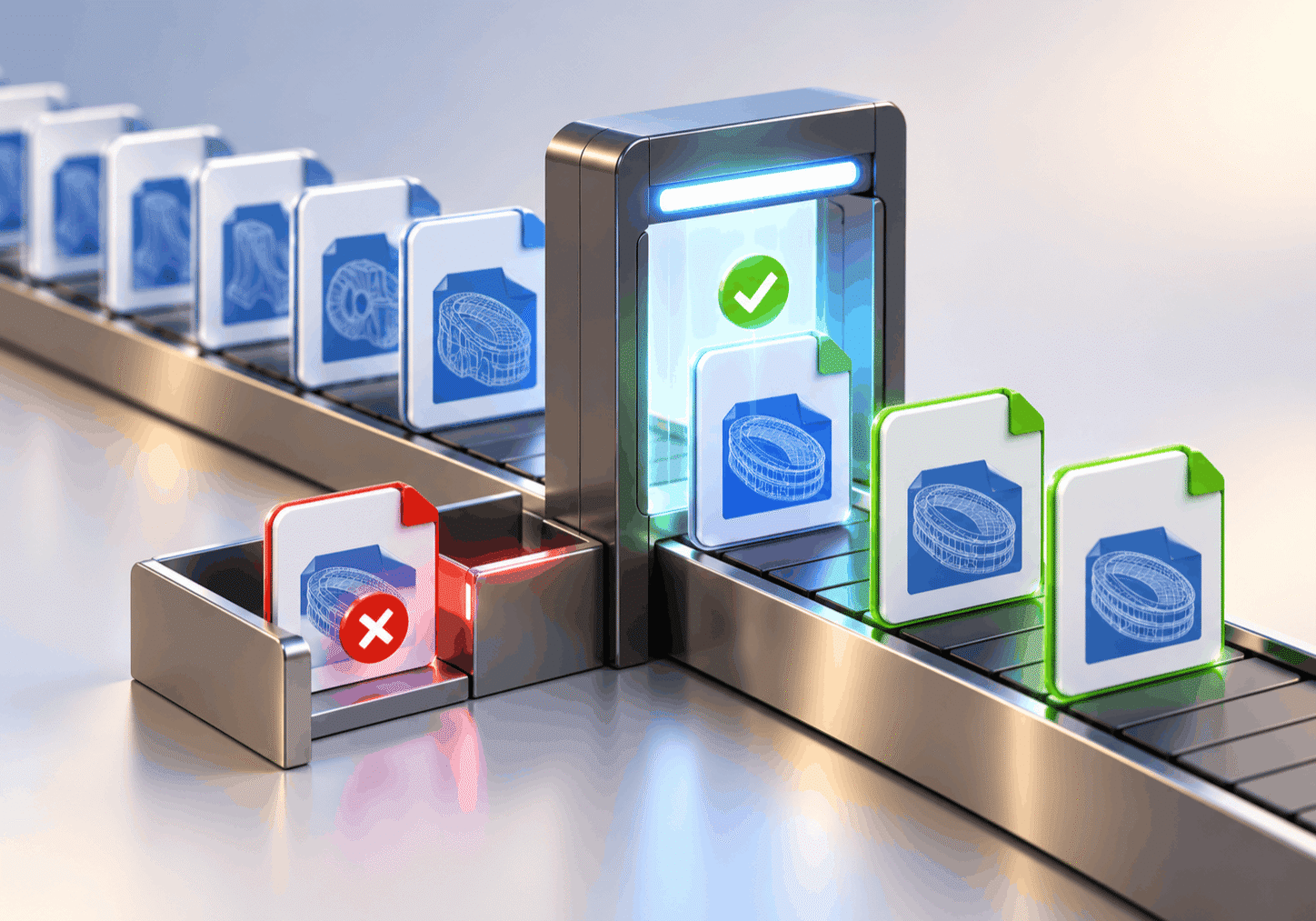
Before automation reaches hundreds of files, prove it works on a few.
Trust It, But Keep Checking
Bentley’s own recent AI testing offers a useful example. In one experiment, Bentley product manager Stuart Milne used an AI agent connected to MicroStation to recreate the geometry of London’s 30 St Mary Axe building (better known as “The Gherkin”) from publicly available information, images and video.
The purpose of this experiment wasn’t merely to see whether AI could produce something that looked convincing. Bentley wanted to explore whether a modern AI system could handle work that once required a team of computation specialists, while also identifying where a human needed to step in. The AI’s first output was treated as a proposal, not a finished engineering result. Milne then used Bentley Copilot and Python Assistant to turn the design into a 3D model and create reusable scripts that defined and checked its geometry. He repeatedly ran those scripts to make sure the results held up and behaved as the engineering required.
That verification process was an important part of what Bentley was testing. The experiment was intended to demonstrate a way of using AI for engineering work where a wrong answer could have real consequences. Rather than relying on the AI-generated result by itself, Bentley combined it with repeatable engineering checks and kept Milne involved in deciding when an answer was good enough to keep. For CAD managers, the practical lesson is that AI can speed up design and automation, but its output still needs to be checked before it is trusted in real project work.
AI can accelerate design and automation, but trusted engineering tools and experienced people still need to provide the checks.
AI can help create, explain and speed things up, but it shouldn’t quietly inherit the CAD manager’s responsibility for standards, accuracy or deliverables.
MicroStation is learning to speak more like us. That could make automation easier, onboarding faster and some of those obscure workflows far less, well, obscure.
So, should CAD managers trust it? Yes, but perhaps in the same way you would trust a new employee who appears astonishingly fast and clever on their first day.
Give AI useful work. But don’t stop checking the results just because it sounded so confident.
