
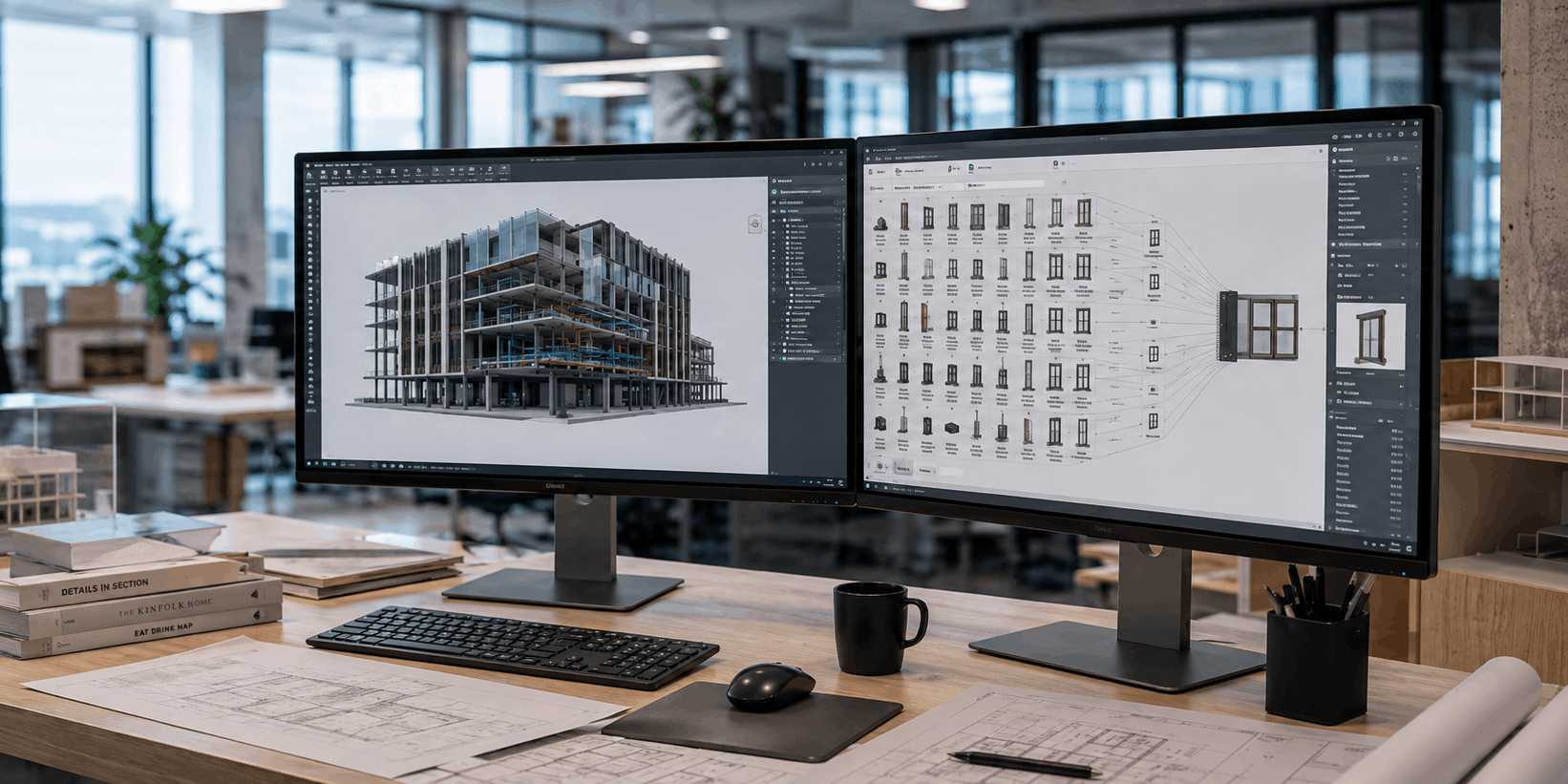
CAD/BIM Tips & Tricks
Revit Families: The Hidden Bottleneck in Your Project
25 September 2026
You know for a darn fact the family exists. You used it on another project. Someone in the office probably used it yesterday. It may even be loaded into the current model.
And yet, here you are, ten minutes later, opening folders with names like Doors, Doors_New, Doors_Approved and Doors_Approved_2025, trying to determine which 3'-0" x 7'-0" single door is the 3'-0" x 7'-0" single door everyone is actually supposed to use.
Welcome to one of Revit’s most persistent productivity problems.
Families are everywhere in Revit®. They’re doors, air terminals, structural columns, plumbing fixtures, annotation symbols and countless other elements that make a model useful.
By themselves, these moments seem insignificant. Across a project team, they become a bottleneck.
That flexibility is one of Revit’s great strengths, but a seemingly innocent collection of content can also become a remarkably efficient time-eating machine.
No single family-searching detour ruins a project. That’s precisely why the problem is easy to ignore. Five minutes here. Three minutes there. Another few minutes checking parameters. A duplicated type because the approved one couldn’t be found.
By themselves, these moments seem insignificant. Across a project team, they become a bottleneck.
The Scavenger Hunt Nobody Enjoys
Project managers plan for design milestones, coordination meetings, QA reviews, submissions and client changes. Oddly, the schedule rarely includes “Spend 17 minutes locating the plumbing fixture we already own.”
Yet somebody’s doing exactly that.
A designer knows the correct family exists somewhere. Finding it is another matter.
Search. Scroll. Open. Compare. Close. Search again.
Eventually, they find a likely candidate and get back to work. Twenty minutes later, another team member points out that there’s already an approved version in the project.
Oddly, the schedule rarely includes “Spend 17 minutes locating the plumbing fixture we already own.” Yet somebody’s doing exactly that.
Excellent. Now the new family has to be replaced, schedules checked and unnecessary types cleaned up. At this point, a job as a skydiving instructor may start sounding interesting.
The problem isn’t that Revit users occasionally struggle to find things. Complex applications contain complex information. The problem is how often it happens.
Ten Minutes Doesn’t Sound Like Much, Until...
Suppose a team has 20 Revit users. If each person spends just ten unnecessary minutes per day searching for families, checking types or hunting through views, the firm loses almost 17 hours in a five-day workweek.
That’s more than two full working days spent searching for things that already exist. Somewhere.
If each Revit user spends just ten unnecessary minutes per day searching for families, checking types or hunting through views, the firm loses almost 17 hours in a five-day workweek.
And ten minutes is hardly extravagant on a large healthcare, transportation, infrastructure or commercial project where models contain extensive content and hundreds of views.
But the cost isn’t limited to those minutes.
A designer may be working through a difficult equipment layout or coordination problem. Then they stop to find a family.
The design problem disappears from the screen and a content hunt takes its place. When the family finally appears, the designer has to reconstruct the train of thought that was moving along nicely before somebody needed a 24-inch valve.
Search time is production time. But it also breaks focus.
Sometimes Families Are a Little Too Smart
A Revit family can contain geometry, materials, formulas, connectors, symbolic representation, visibility controls and instance or type parameters. That intelligence is what makes families useful. A single family can represent multiple sizes and configurations without forcing users to rebuild every variation.
Naturally, it also creates opportunities for disagreement. One family uses “Manufacturer.” Another uses “Mfr.” One door stores width as a type parameter. Another stores it as an instance parameter. Two nearly identical components are assigned to different categories.
Sure, nothing bursts into flames and Revit doesn’t play an ominous warning siren. The model simply becomes less predictable.
Then documentation begins. A schedule has blank fields. A filter misses an object. A tag doesn’t report a value. Quantities for what should be the same component appear on separate rows. Suddenly, the team isn’t designing anymore. They’re repairing information.
Then There Are the Types
Finding the correct family is only half the adventure. Now find the correct type. A family might contain three types. Or 43.
A door can vary by width, height, frame construction, fire rating and other properties. Mechanical components bring their own combinations. Structural families can offer enough similar-looking sections to make even an alert engineer blink twice.
Then somebody duplicates a type. The new name? “Copy of 36 x 84.” Wonderful. A future BIM manager sends their regards, but they won’t be warm.
The real issue is trust. Once vague, duplicated or inconsistent type names spread through a model, users hesitate. Is this the approved type? Is that one obsolete? Why are there two? A few seconds of uncertainty multiplied across hundreds of decisions becomes real project friction.
The 600-Chair Problem
Not every family bottleneck is organizational. Some families simply ask Revit to do far more work than the project requires.
A beautifully manufacturer-modeled chair, sink, valve or piece of equipment may arrive with extraordinary geometric detail. That’s lovely for the marketing render, but less lovely when hundreds of instances appear in a production model.
Autodesk recommends keeping families as simple as is practical, avoiding unnecessary geometry and excessive complexity. When detailed 3D geometry isn’t needed, it recommends simpler symbolic representation instead. It also cautions against imported geometry that adds file weight without providing useful project information.
The world’s most anatomically accurate office chair is not necessarily the world’s best Revit family.
The principle is simple: Model only what the project needs.
The world’s most anatomically accurate office chair is not necessarily the world’s best Revit family.
Autodesk Hasn’t Ignored This Problem
Difficulty finding and managing reusable BIM content isn’t some niche irritation that only third-party developers have noticed. Autodesk® has invested heavily in it. Autodesk Content Catalog gives firms a cloud-based environment for organizing, searching and distributing BIM content. Its search can use filenames, type names, categories, tags and Revit parameter data. It also supports saved searches and centrally managed collections.
Content Catalog isn’t limited to families either. Autodesk’s current documentation includes workflows for walls, sheets and drafting views. That tells us something important. The problem is real enough that Autodesk itself is working on it.
So, the useful question isn’t whether Revit has a way to manage content. It does. The question is: What’s the quickest way for the person actually working in the model to get what they need and get back to designing?
Enterprise Content Management and Daily Production Aren’t the Same

The ease and time-savings you get from the right tool can make all the difference.
Content Catalog approaches the problem as a centralized content-management system. That makes sense for firms that want controlled collections, shared content, permissions, tags, saved searches and an organized way to distribute approved BIM assets across teams.
There may also be situations where the simpler production-focused approach is appealing. Autodesk Content Catalog requires the appropriate subscription entitlement, access to the organization’s cloud environment and the necessary permissions before it can be used.
For Revit users who simply want a fast way to find and work with families and views while they’re designing, Axiom’s Family and View Studio™ offers a more direct workflow without making content management a separate exercise.
Of course, the designer already inside Revit may simply need to answer a quicker question: “Where’s the thing I need right now?’
That’s where workflow matters.
Family and View Studio is built around finding and working with families and views while the user is in Revit.
Users can search families by category, family name, family type, parameter name or parameter value. The tool presents matching content visually, lets users inspect family types and parameters, and supports placing families as well as duplicating or renaming loaded types. It also provides visual tools for locating and placing views.
Some of those capabilities overlap with Autodesk Content Catalog. That’s not the point. The point is how efficiently they fit the production workflow.
The Answer Isn’t “Search Harder”
Asking designers to be more disciplined about searching isn’t likely to reclaim much billable time. Neither is building the world’s most majestic folder hierarchy.
Good standards still matter. Firms should establish sensible naming conventions, determine which parameters are required, test families before release and review manufacturer content before allowing it to multiply through projects.
But standards solve only part of the problem. People still have to find and use the content.
So ask:
- How quickly can a new employee find the right family?
- Can designers identify what they need without remembering an exact filename?
- Can they inspect types and parameters without a lengthy detour?
- How quickly can they locate a useful view?
- Are people creating duplicates because finding the approved version takes too long?
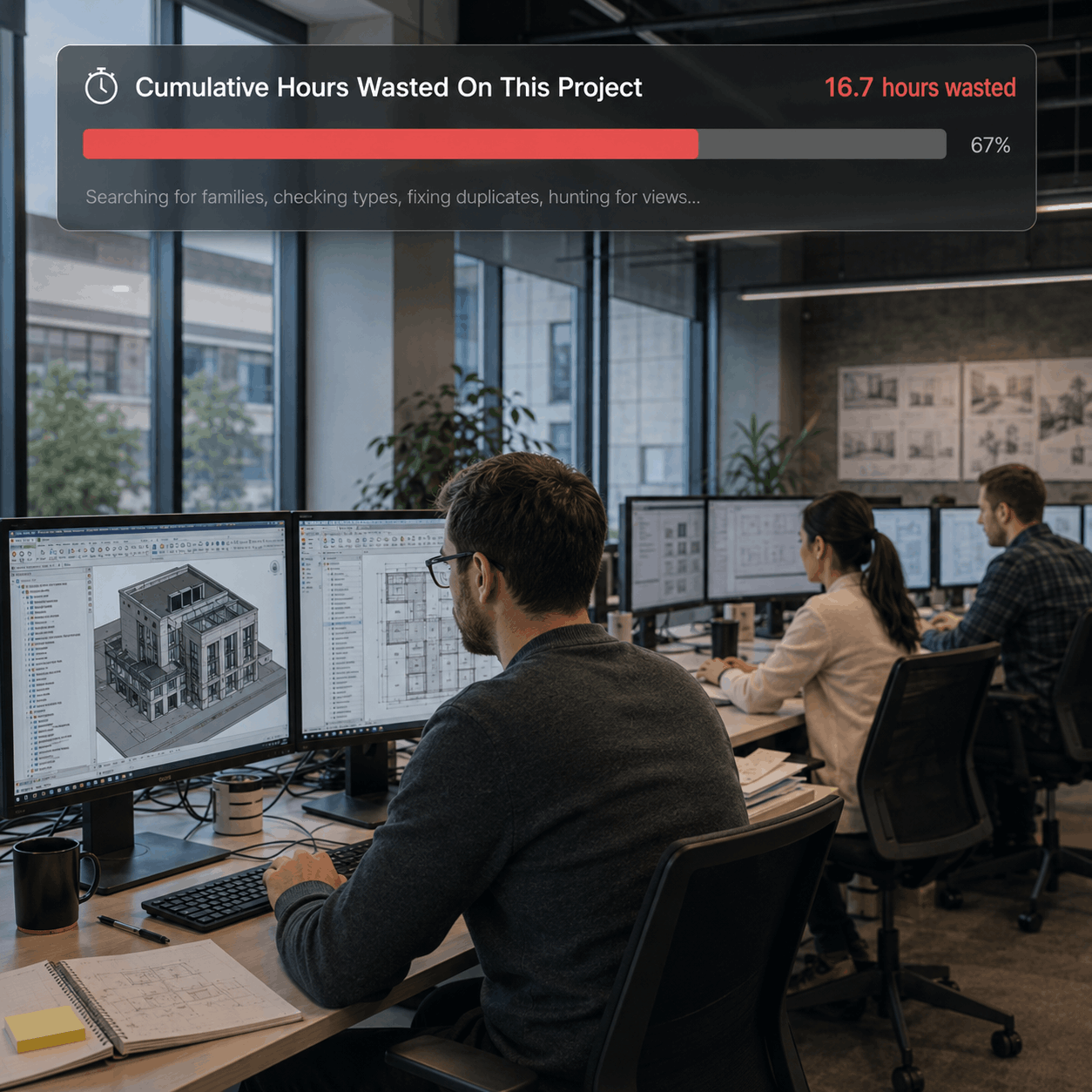
Nobody even notices the amount of time spent searching, but it happens every day.
Most importantly, how much expensive design and engineering time is being spent browsing rather than designing? The answers tell you whether your content system helps production or merely stores things neatly.
Shortening the distance between “I need this” and “Here it is” is a thing of beauty.
Death by a Thousand Clicks
Big BIM problems get attention. A corrupted model gets attention. A coordination failure gets attention. A missed submission definitely gets attention. But nobody calls an emergency meeting because an engineer spent eight minutes finding an air terminal family.
Familiar inefficiency has a remarkable ability to stop looking like inefficiency.
That’s precisely why this problem survives. Three minutes here. Seven minutes there. Another search after lunch. Another duplicated type. Another interruption.
Ask any designer and they’ll admit, “It’s always been this way.”
And that may be exactly why nobody is outraged by the constant loss of time. Familiar inefficiency has a remarkable ability to stop looking like inefficiency.
Autodesk Content Catalog is one response to that problem. For organizations using its cloud content-management workflow, it provides a powerful way to organize and distribute reusable BIM content.
Family and View Studio takes a more production-focused approach: Help the person working in Revit find, inspect and use families and views with less interruption.
For some firms, that difference may matter.
The goal isn’t to win an argument about which content-management system has the longest feature list. The goal is fewer scavenger hunts. Fewer mystery types. Less time wondering where the thing went.
That means more time doing the design and engineering work your client actually hired you to do. Win-win.

Axiom's President
Oscar Albornoz
Feel free to share this article on your social media:
